Taxi 3D Text Style Effect PSD for Dynamic Designs
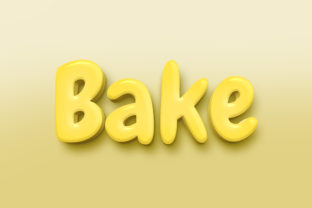
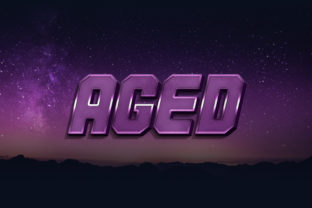
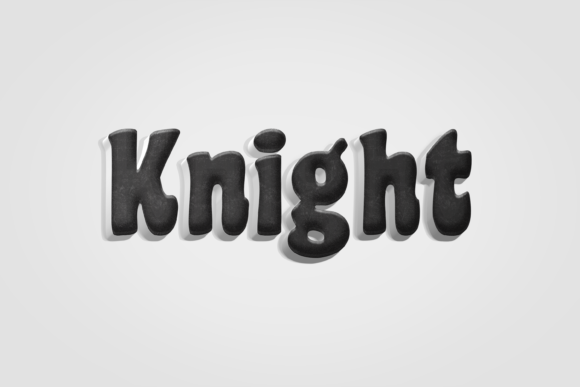
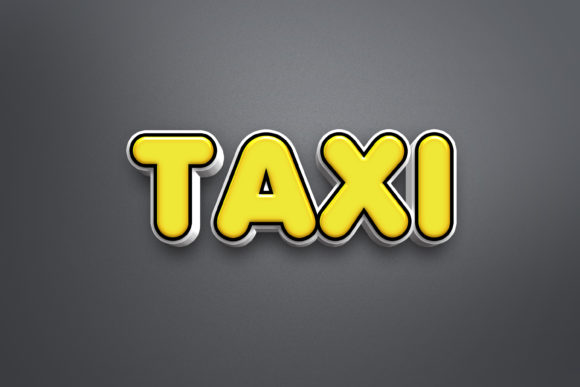
Instantly give your typography a bold, modern edge with the Taxi - 3D Text Style Effect PSD. This design asset transforms standard text into eye-catching, dimensional lettering, perfect for projects that demand immediate visual impact. Whether you're crafting a brand identity or designing social media graphics, this effect provides a polished, professional look with remarkable ease.
The true power of this resource lies in its Smart Object Replacement feature. You don't need to be a Photoshop expert to achieve stunning results. The process is designed for efficiency and creativity, allowing you to focus on your message rather than complex layer styles. This makes it an invaluable tool for designers, marketers, and content creators looking to produce high-quality visuals quickly.
Simple Steps for Professional Results
Using the effect is straightforward. After opening the PSD file, you simply double-click the designated smart object layer. This opens a new window where you can type your own text, change the font, or even insert custom shapes. Once you save and close that window, your design updates automatically with the full 3D treatment applied. The file is delivered at a high-resolution 3000x2000 pixels and 300dpi, ensuring your work is print-ready and crisp for digital screens.
Creative Applications and Use Cases
This 3D text style is incredibly versatile. It excels in scenarios where typography needs to be the hero. Consider using it for:
- Logo and Brand Identity: Create memorable wordmarks for startups, events, or product lines that stand out in a competitive market.
- Poster and Packaging Design: Add dynamic headlines to movie posters, event flyers, or product packaging that catches the eye from a distance.
- Social Media and Web Graphics: Design scroll-stopping titles for YouTube thumbnails, Instagram stories, or website banners that boost engagement.
- Merchandise and Invitations: Apply the effect to T-shirt designs, mug prints, or digital invitations for a contemporary, premium feel.
Tips for Choosing and Pairing Fonts
While the Taxi effect works with any font, your choice of typeface sets the overall mood. A clean sans-serif font will yield a modern, tech-inspired look, while a bold serif can create a classic yet powerful statement. For creative projects, pairing it with a subtle script or handwritten font for secondary text can create beautiful contrast and hierarchy. Always test the readability of your final text at different sizes, especially for web design and smaller applications like business cards.
When selecting any premium font or design asset, consider its license to ensure it fits your project's scope, whether for personal or commercial use. The right typography is a cornerstone of effective communication, enhancing visual consistency and strengthening brand recognition. By integrating a well-crafted asset like this 3D text style into your toolkit, you elevate the professionalism of your designs, making every headline and title not just readable, but truly memorable.